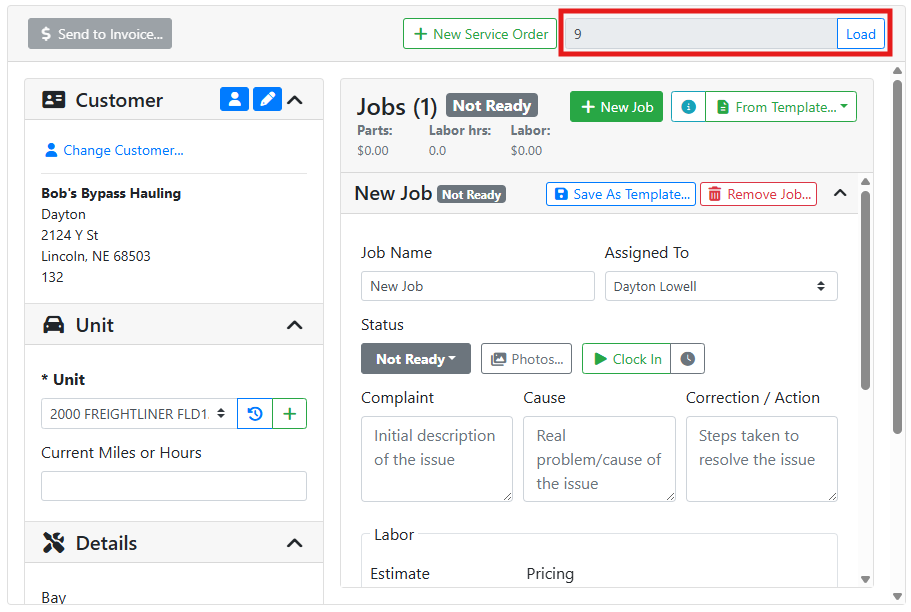
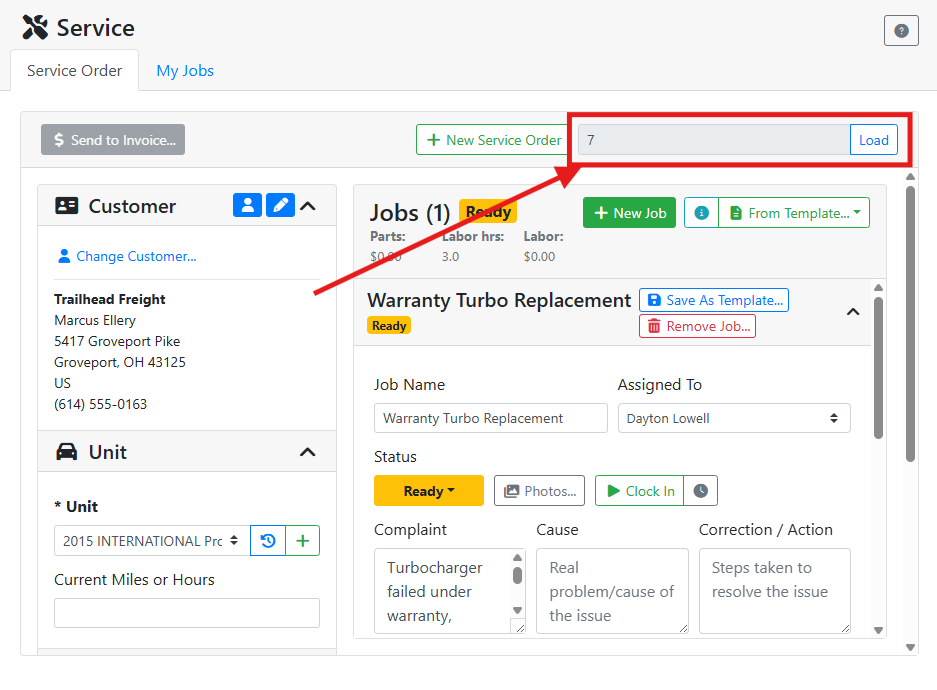
If you are on the Service Order screen and have an ID number for a service order, you can load that service order directly.
Click the Load button next to the Service Order # field.
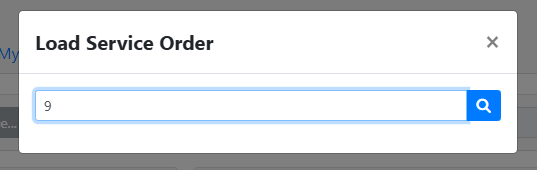
A window will open asking you to input a specific service order number.
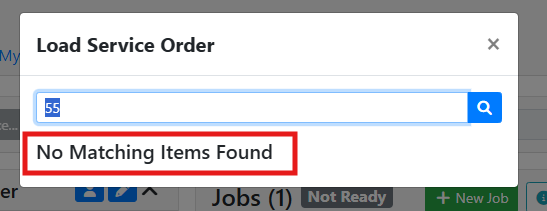
If you enter an incorrect service order number, you’ll see a message at the bottom of the window. Check the service order number and try again.
When a service order is found, the window will close and the service order will load.