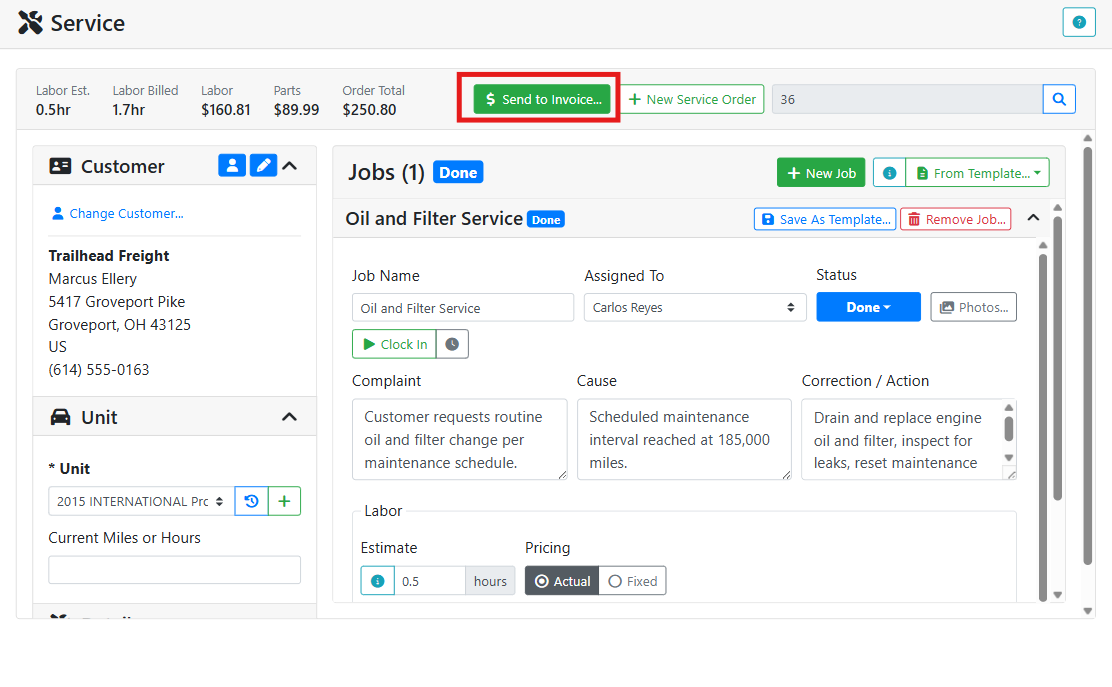
When the work on a service order is ready to bill, review the order totals at the top of the screen and click Send to Invoice...
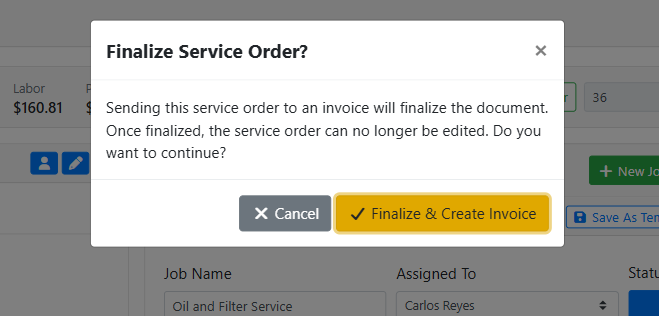
A Finalize Service Order? window asks you to confirm that you are finished with the service order. Click Finalize & Create Invoice to continue.
Once a service order is sent to invoice, it is finalized and can no longer be edited. Make sure all jobs, labor charges, and parts are correct before clicking Finalize & Create Invoice.
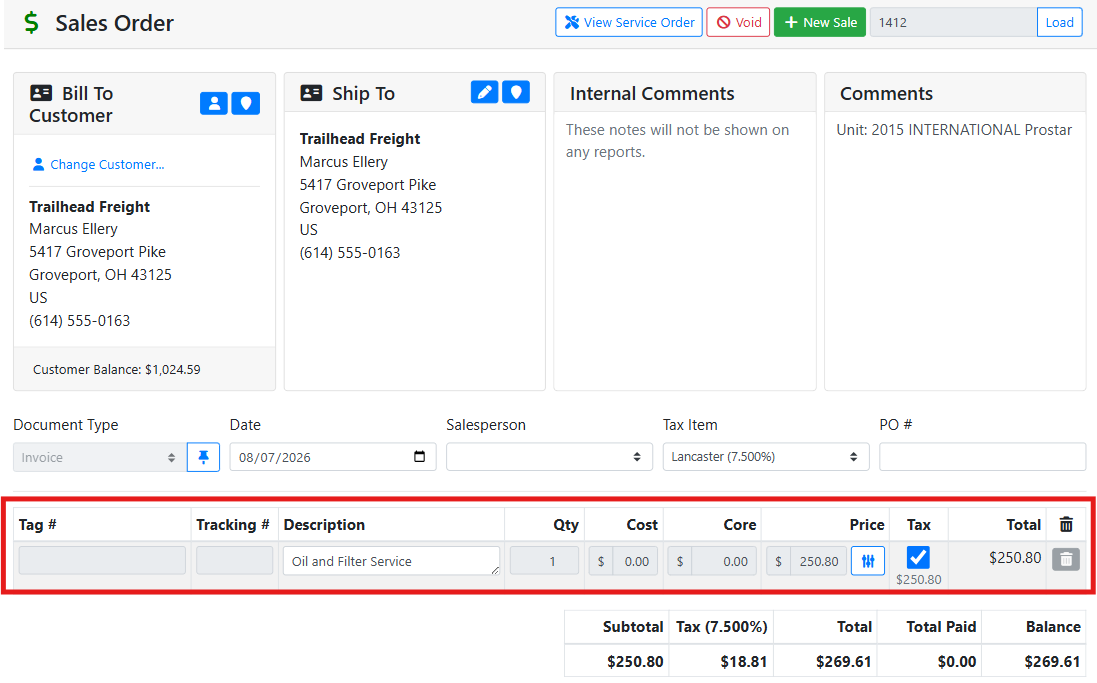
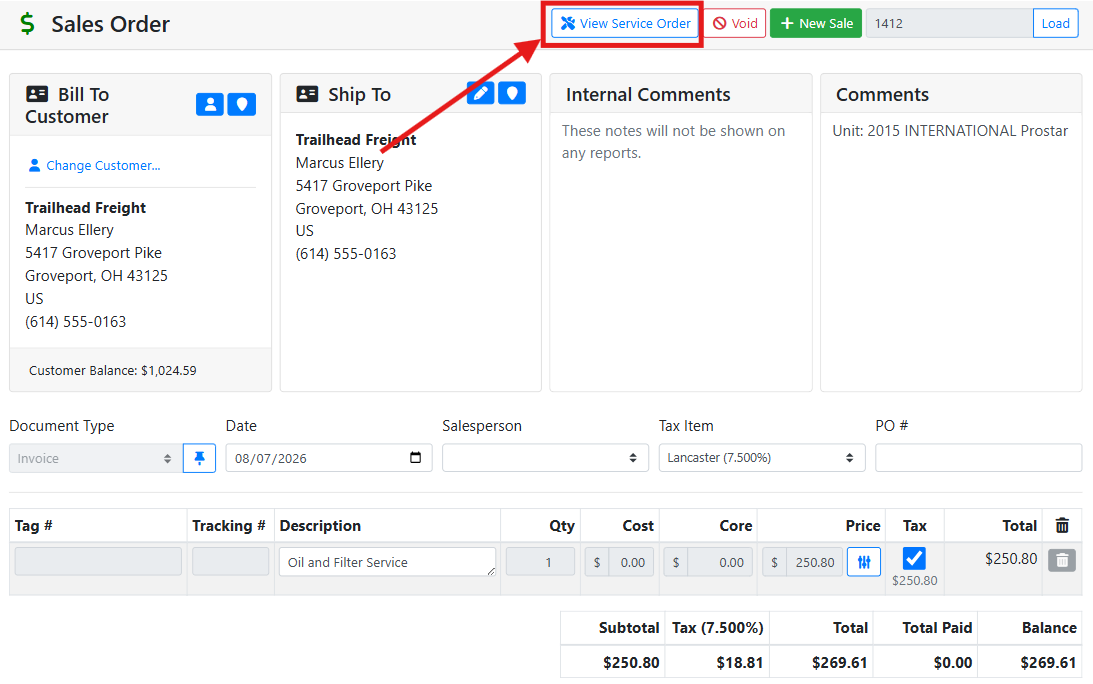
ITrack creates a Sales Order with a document type of Invoice. Each job appears as a line item on the invoice, with the price derived from the job’s labor charge and parts.
Read more about Sales Orders.
Click the View Service Order button at the top of the sales order screen to navigate back to the service order.
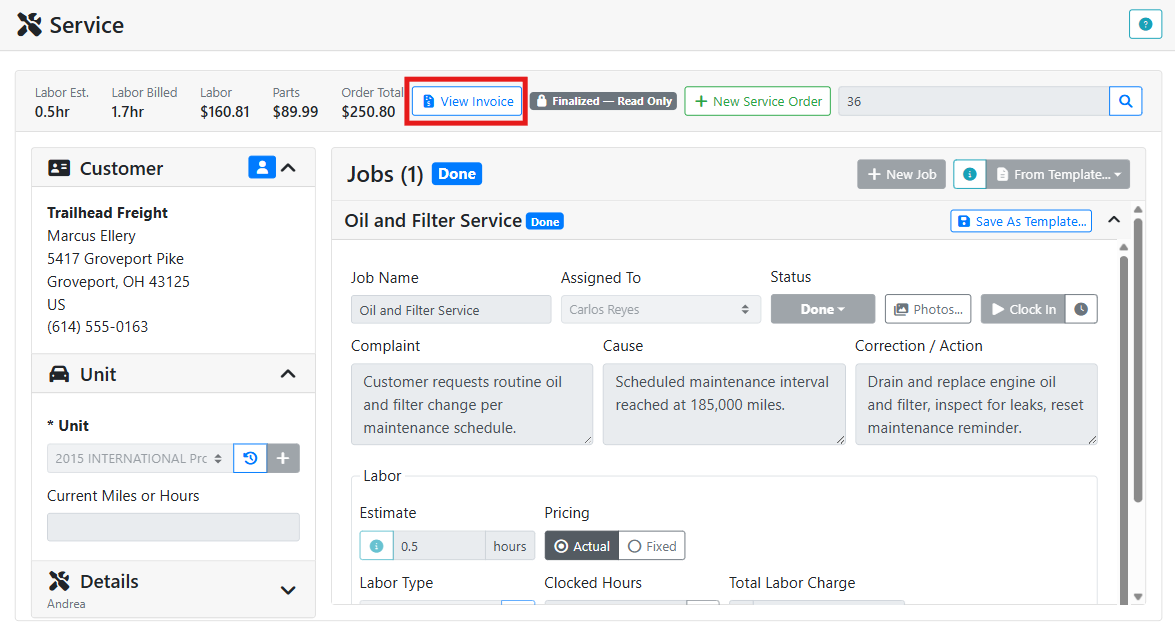
After invoicing, the service order shows a View Invoice button at the top so you can go to the invoice from the service order.