
There are three ways to create a new vehicle.
Click the plus button next to Vehicle in the navigation menu.

Read more about navigation.
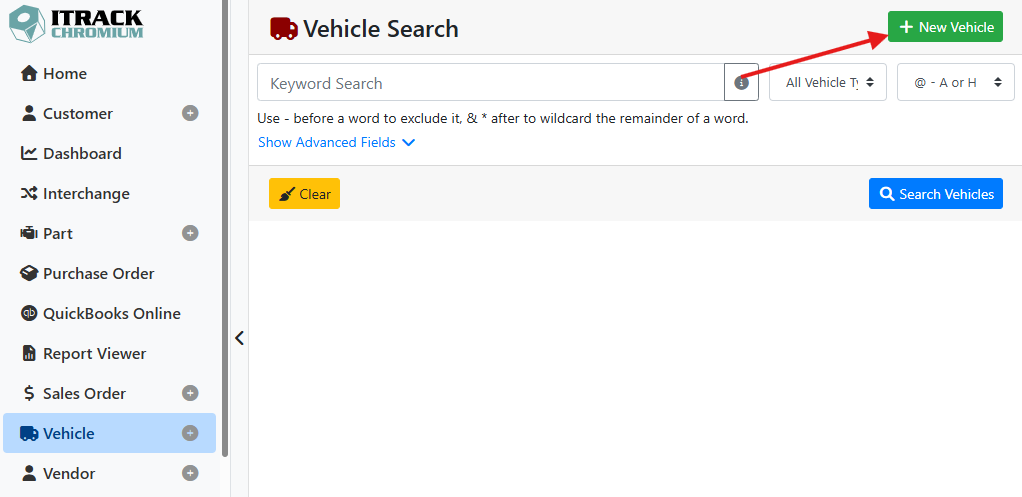
On the Vehicle Search screen, click the + New Vehicle button in the upper right corner.
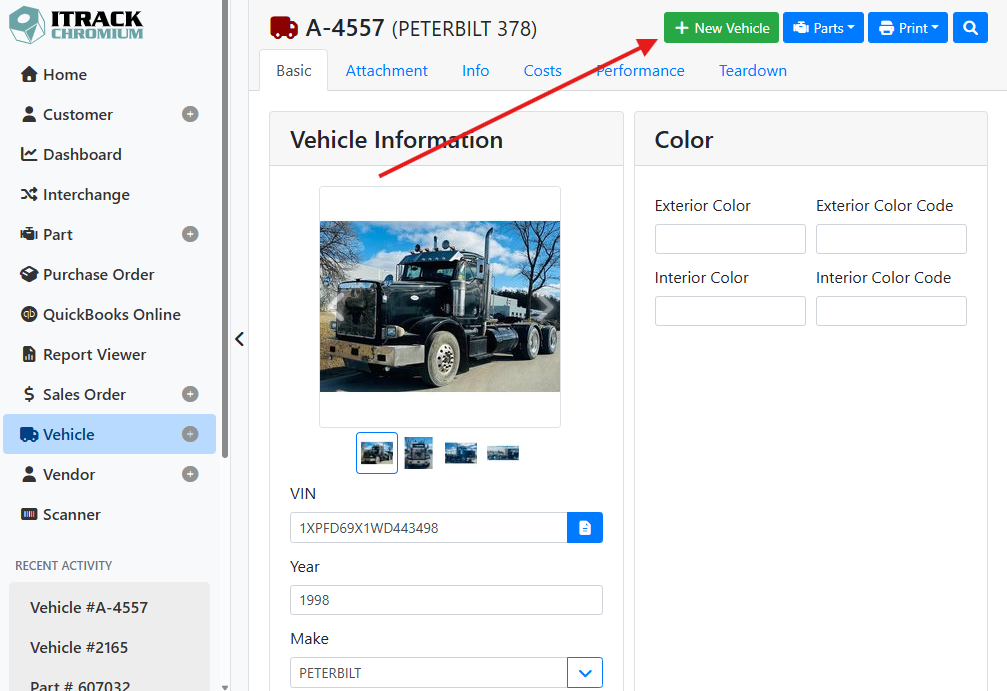
On the Vehicle screen, click the + New Vehicle button in the upper right.
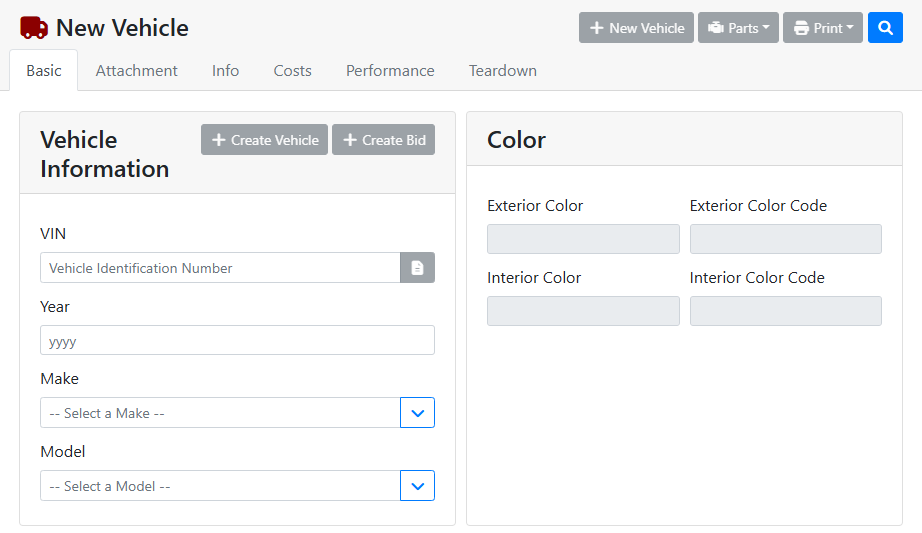
When making a new vehicle, most of the fields will be grayed out until you set the Year, Make, and Model. These fields are required to save a new vehicle.
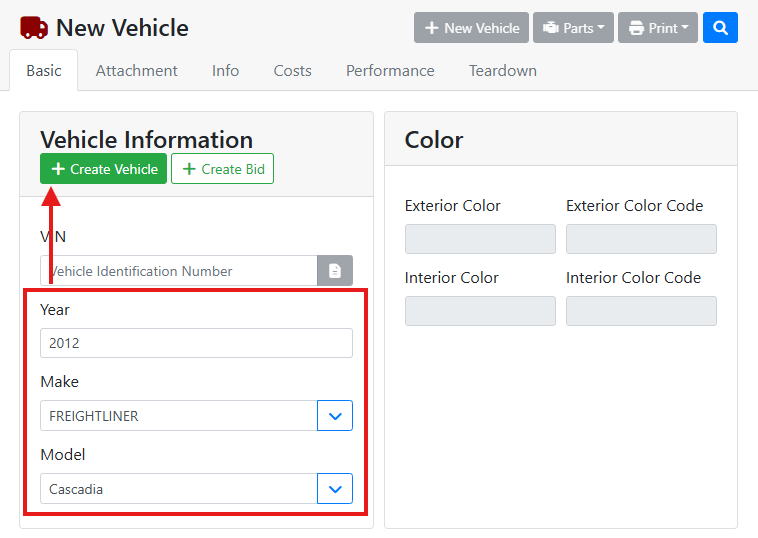
After you enter the Year, Make, and Model, the + Create Vehicle button will become active so you can save the vehicle. A tracking number will automatically be assigned to the vehicle.
Looking up a vehicle by VIN is the fastest way to automatically enter a new vehicle. After starting a new vehicle, enter the VIN and press Enter on your keyboard. The Year, Make, and Model are filled automatically from the VIN.
Read more about looking up a VIN.
📎 Related Articles