
A service order bay is a physical location in your shop that you can assign a customer unit to.
To manage bays, go to Configuration > Service > Bays.
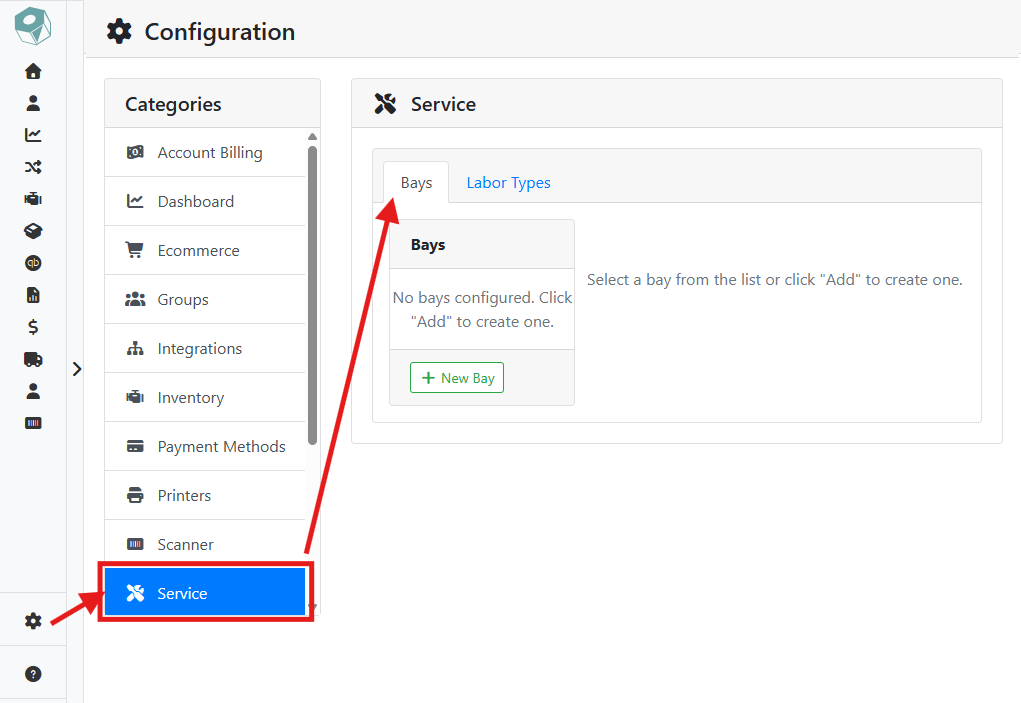
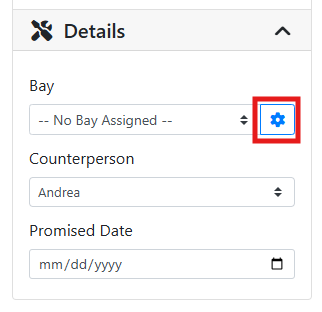
You can also navigate to bay configuration from a Service Order by clicking the gear 
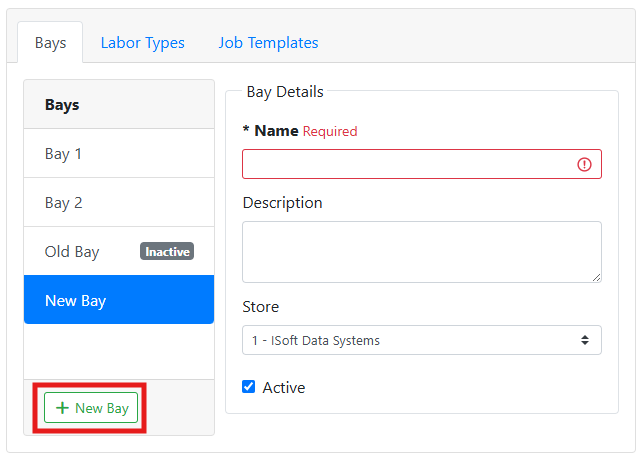
➕ Adding a Bay
Click the +New Bay button to add a bay. Enter a Name, such as Bay 1 or Lift 2, and an optional Description, and choose the Store the bay belongs to.
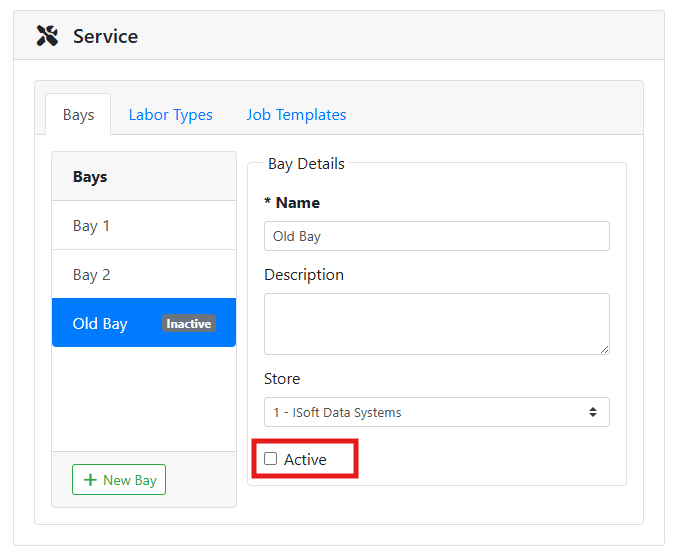
➖ Removing a Bay
Uncheck the Active checkbox to remove a bay from the drop down menu on the service order screen without deleting it. An inactive bay no longer appears in the Bay dropdown on a Service Order, but stays on existing orders that already reference it.
Configuring bays is optional. If your shop doesn't need to track where units are physically located, you can skip this and leave jobs unassigned to a bay.