
Job templates are created and updated directly on the service order screen. To make a change to a template name or remove the template, go to Configuration > Service > Job Templates.
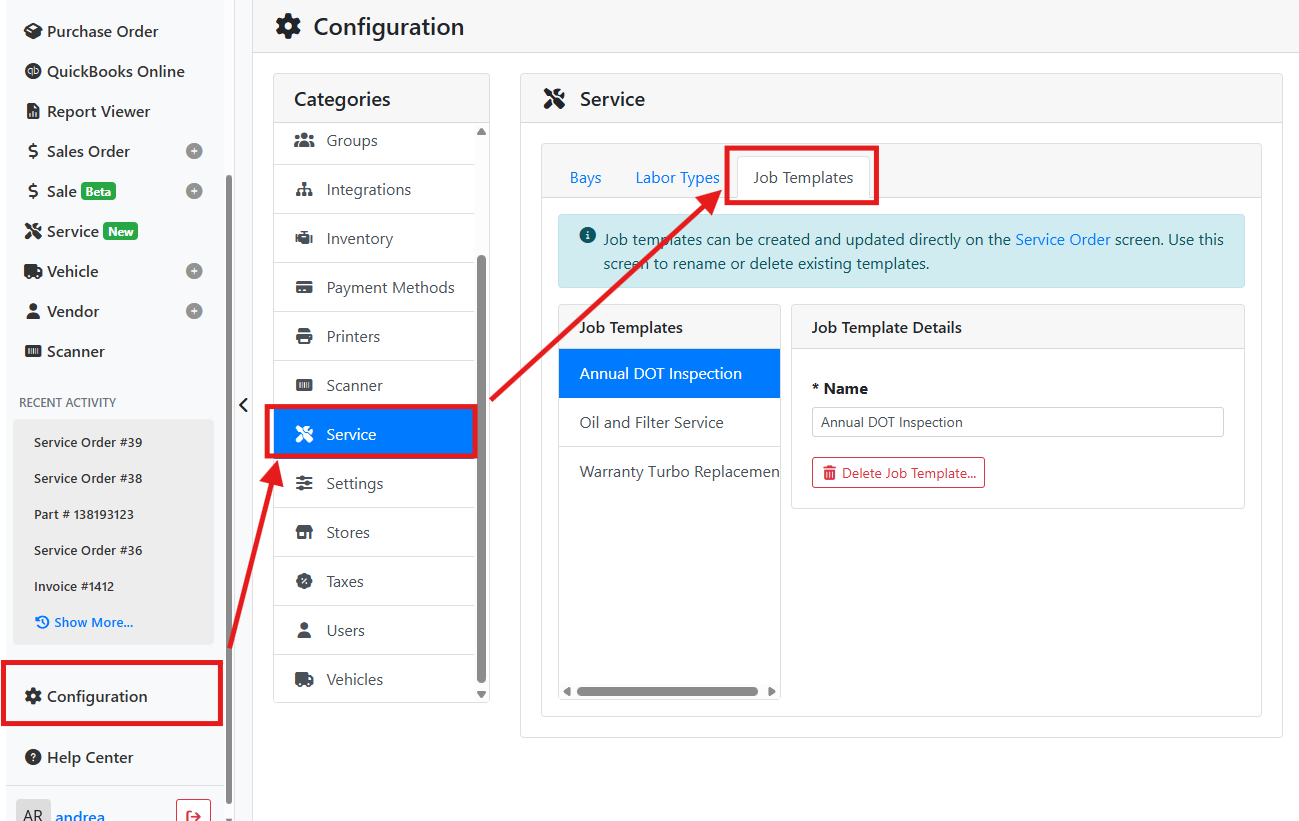
To rename a template, select it from the list and edit the name. The change will be saved automatically.
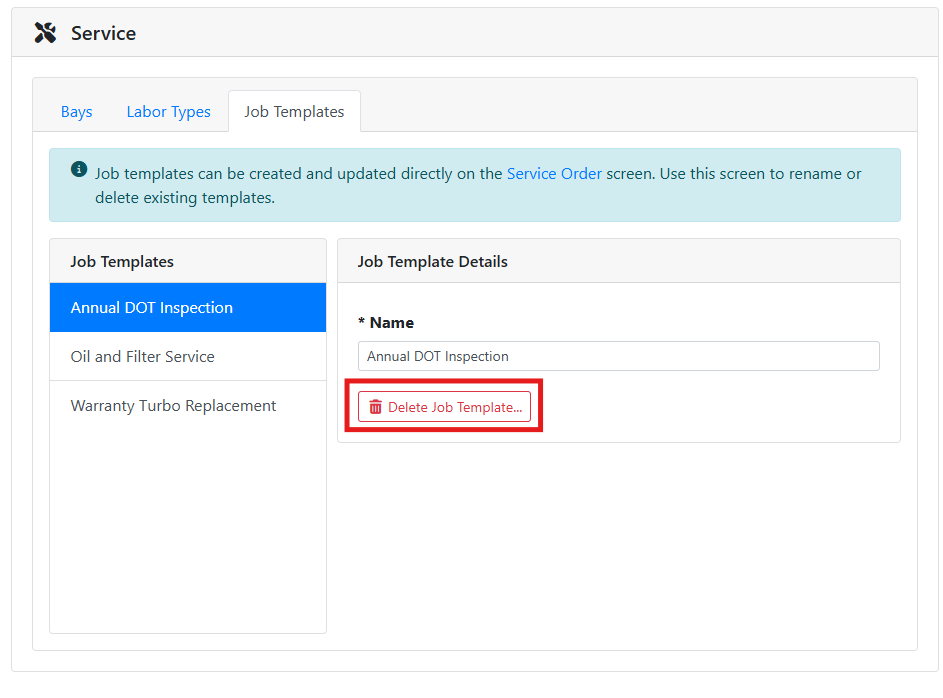
If you want to remove a job template, select it and click the Delete Job Template... button.
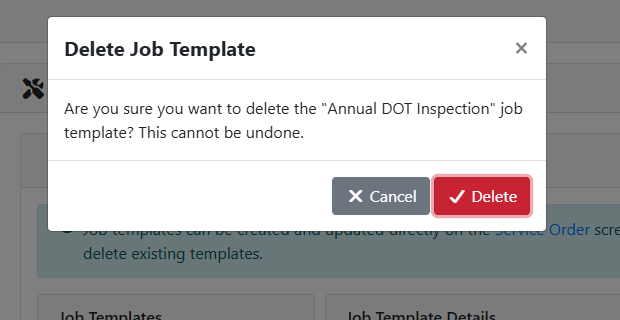
Deleting a template is permanent and cannot be undone. Jobs that were created from the template are not affected.
A Delete Job Template window will ask you to confirm.
Read more about using job templates on service orders.