
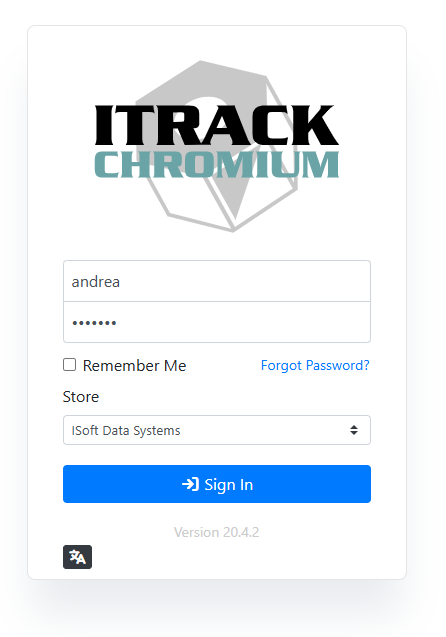
When you first access ITrack, you will see the login screen. Enter your username or email address and your password. If you have access to more than one store, select which store you’re logging into.
You will not see the Store menu until after you enter your username, and it will only appear if you have access to more than one store.
Read more about Stores.
The login window also shows your current version at the bottom. You can click on the version number to see the version change log.